
















Planning and coordinating service teams intelligently.
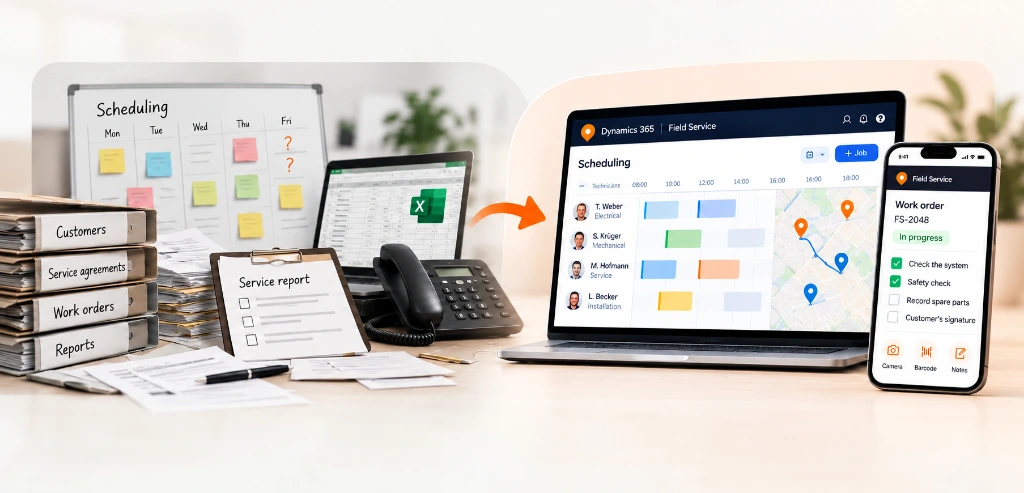
Microsoft Dynamics 365 Field Service is made for companies whose staff work at customer sites: installing, servicing, repairing or inspecting equipment. It covers the whole process in one system, from the customer's call or a maintenance date in a service contract to the planned visit, the completed work and the invoice.
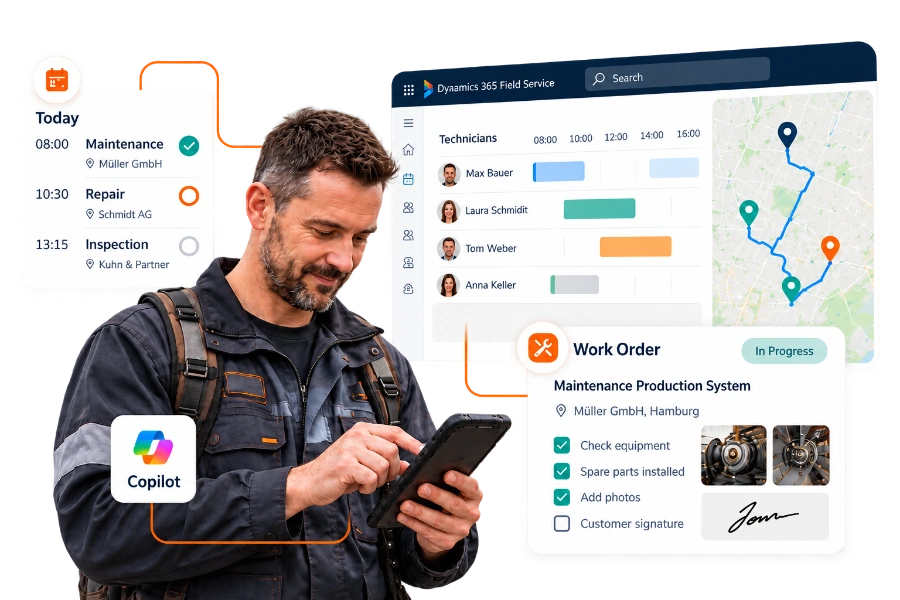
Dispatchers plan appointments on a schedule board that shows who is available, where they are and what skills they have. Technicians receive their jobs in a mobile app, see the history of the equipment they are working on, and record time, parts, photos and the customer's signature on site, even without mobile reception. Microsoft Copilot helps both in the office and in the app.
As a Microsoft Solutions Partner, we have extensive experience and proven expertise in six key areas


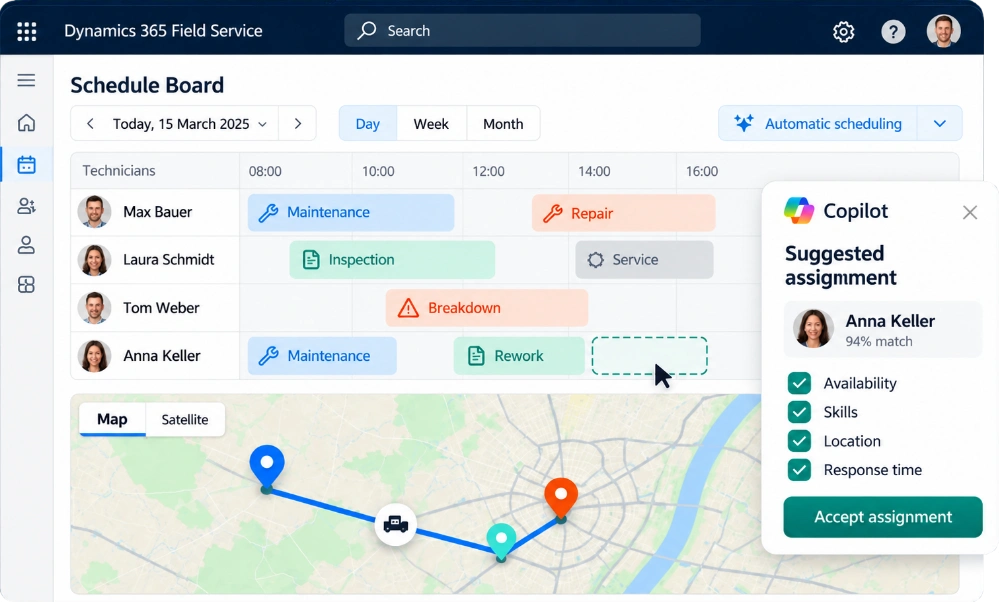
A technician is ill, a job takes longer than planned, an urgent breakdown comes in: in field service, the schedule changes every day. On the schedule board, dispatchers see all jobs and technicians on a map and a timeline and can move appointments by drag and drop. The system suggests who fits best, based on skills, location, availability, priority and the response time agreed with the customer.
With the Scheduling Operations Agent, Microsoft adds AI support for dispatchers: it suggests assignments, reshuffles the plan when something changes and takes travel times into account. For large teams, automatic schedule optimisation can plan whole days or weeks in one go.
In a Forrester-Study commissioned by Microsoft, companies using Dynamics 365 Field Service made 12 percent fewer repeat visits, because the right technician arrived with the right parts and information. Their dispatchers worked 40 percent more productively.
12%
fewer repeat visits
40%
more productive dispatchers
The Field Service mobile app runs on phones and tablets and works offline, which matters in basements, plants and rural areas. For each job, technicians see the address, contact person, task list, required parts and the full history of the equipment. They tick off checklists, scan barcodes, take photos, record time and materials and have the customer sign on the screen.
Copilot in the app summarises the work order before the technician arrives and lets them update it by typing or speaking in plain language. If they need help from a colleague, they can start a Microsoft Teams video call straight from the job and share what they see.
Field Service keeps a record of every machine, system or device you service at your customers: where it is installed, which parts it contains and what work has been done on it. Service agreements generate maintenance work orders automatically at the agreed intervals, so no inspection is forgotten.
Connected machines can go one step further: when a sensor reports an unusual value, Field Service can create a work order automatically, so a technician checks the equipment before it fails.
Let’s take a look together at how Dynamics 365 Field Service takes the pressure off your scheduling team and supports technicians in their day-to-day work.
Work orders are created from a service request, a phone call, a service contract or a machine alert. Predefined job types determine the tasks, parts and expected duration, so every order is planned the same way. Once the technician has finished, the work order is ready for invoicing without anyone typing up paper reports.
01
02
03
04
05
If you already use Business Central or Dynamics 365 Customer Service, Field Service uses the same customer and item data, so there is no duplicate maintenance.

Business Central
Field Service
Customer Service
Let’s discuss your service organisation, your resource planning and the day-to-day work of your technicians. In a brief initial consultation, we’ll work together to identify where Dynamics 365 Field Service offers the greatest added value and what the next logical step is for your business – with no obligation.